Templates & Smart Forms
Standardize your notes with clean templates and guided inputs—faster documentation, fewer missed details.

Templates that save time
Smart forms that reduce errors
Use ready-to-go templates for common visits and specialty workflows. Smart forms guide your team through key fields so notes stay consistent, complete, and easy to review.
Quick start templates for common visits
Choose a template and preview the structure. Custom templates can be built to match your workflow.

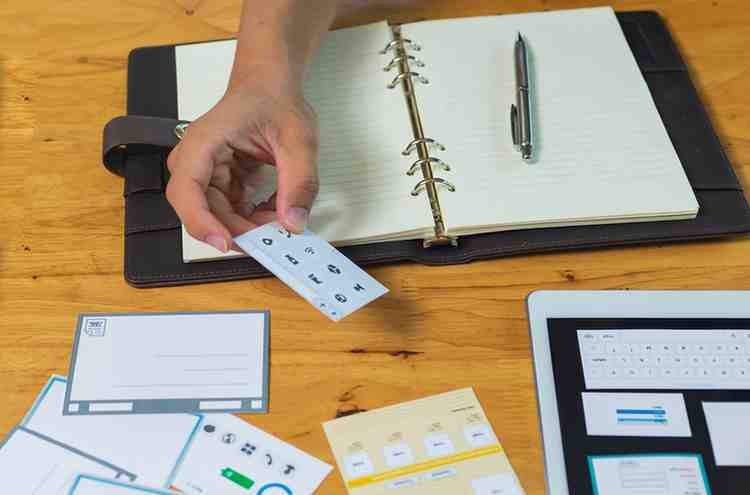

Preview templates and generate notes faster
Copy a template or use the smart form to generate a clean SOAP note.
Template preview
Select a template above to load a sample structure. Edit as needed.
Smart form (quick fill)
Use this form to generate a clean SOAP note quickly. It can be expanded with dropdowns and checklists.
Better templates, better notes
Cleaner structure improves readability, consistency, and audit confidence.
Templates & forms questions
Common questions about templates, smart fields, and customization.